
Import the generated page into Figma
The whole process takes two steps: first download the generated page as an HTML file in Refore Make, then import that file into Figma with the Refore HTML to Figma plugin.
-
On your Refore Make project page, click the
Download as HTML filebutton to download the HTML file
-
Use the Refore HTML to Figma plugin to import this HTML file into Figma
-
In your Figma canvas, open the
Refore HTML to FigmapluginYou can search for the
Refore HTML to Figmaplugin and open it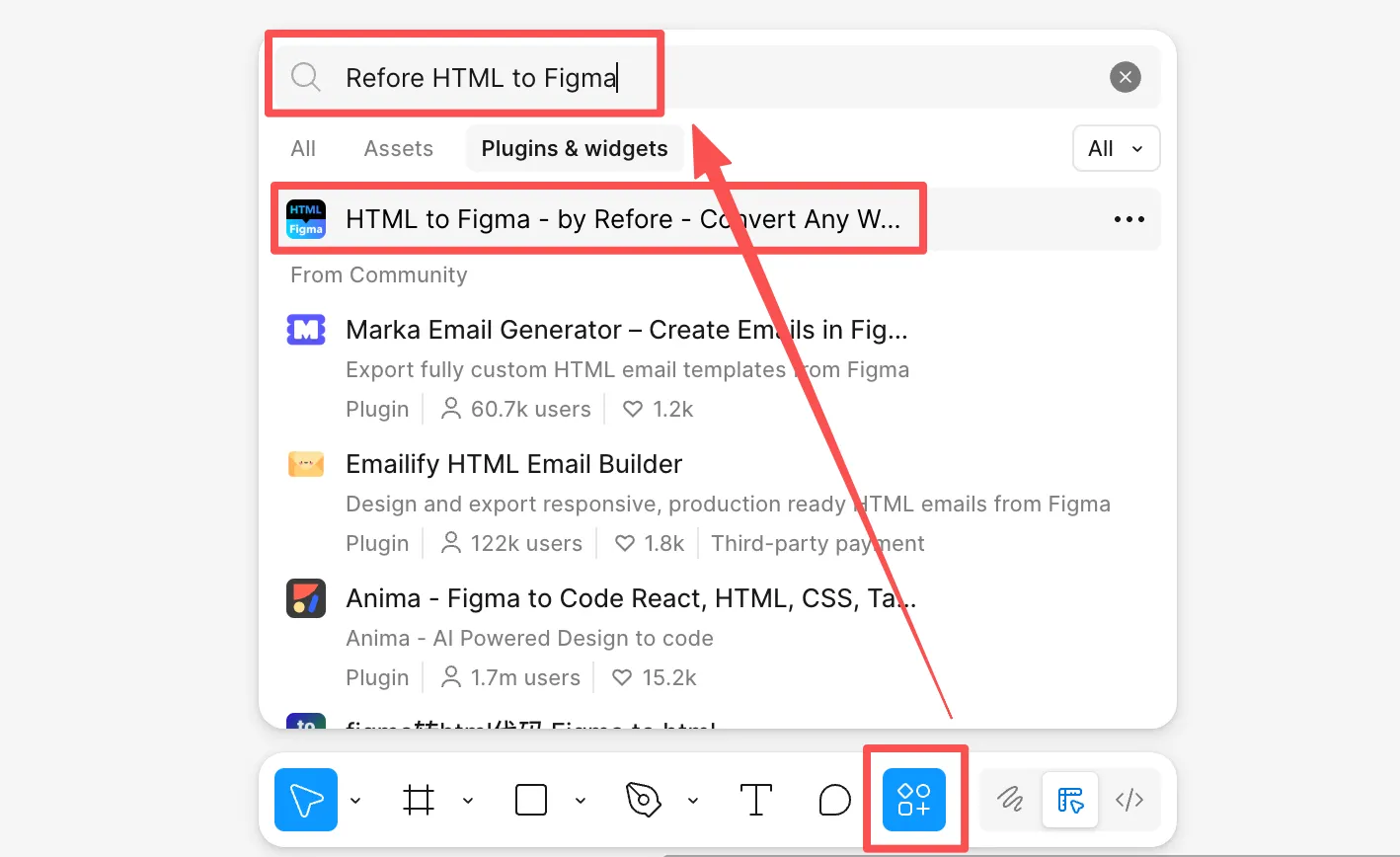
Or go straight to the plugin page: https://www.figma.com/community/plugin/1385944139259302061 and click its “Open in…” button
-
Open the “AI-Generated HTML” tab inside the Refore HTML to Figma plugin
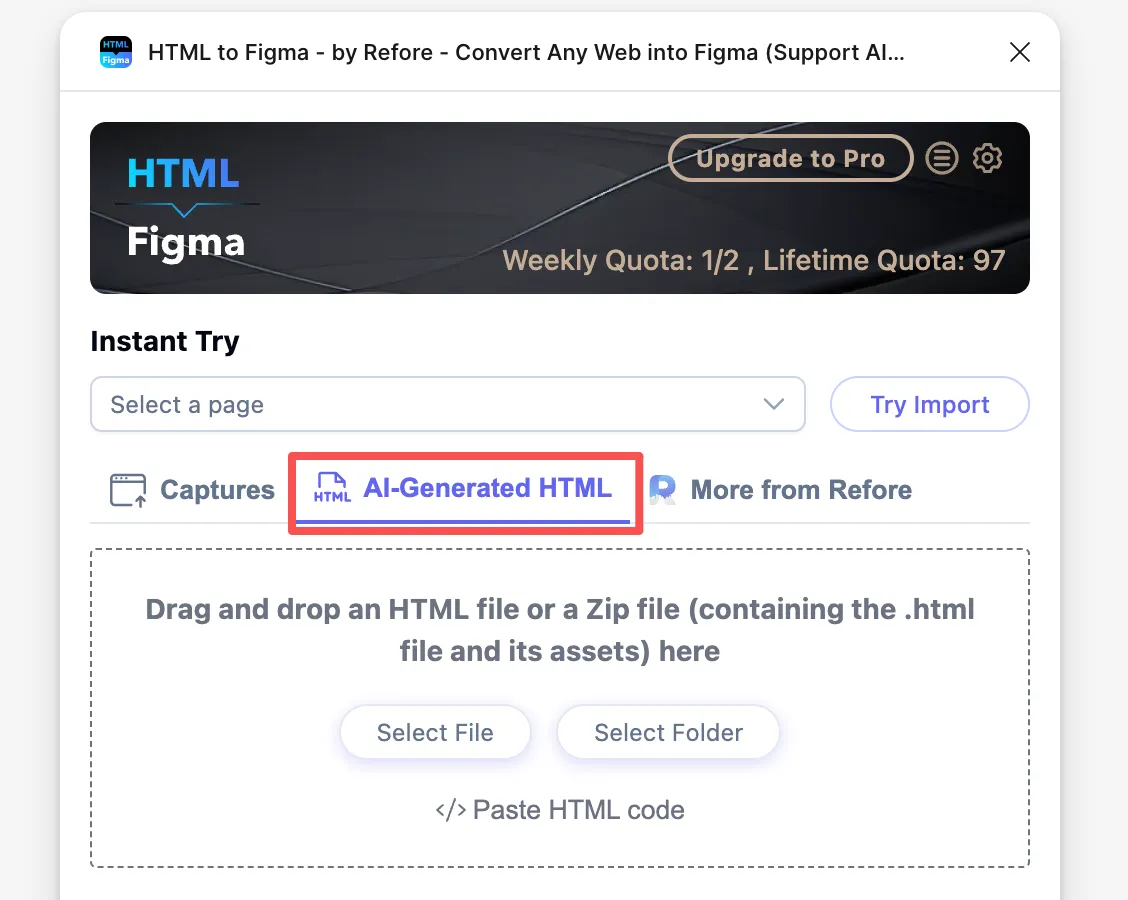
-
Drag the HTML file you just downloaded into it
For the detailed steps, see the video tutorial: Refore HTML to Figma — Interactive import of HTML files