
Import Webpage to Axure
Step 1: Import the webpage into Figma using Refore HTML to Figma plugin
Refore HTML to Figma website: https://refore.ai/html-to-figma
Quick start tutorial: https://refore.ai/html-to-figma/onboard
Step 2: Import the design from Figma into Axure
-
Open Axure RP on your computer
-
Install the official Axure plugin in Figma
- Visit Figma’s official Axure plugin page
- Click “Install” to install the plugin to your Figma account
-
Launch the official Axure plugin and copy the design
-
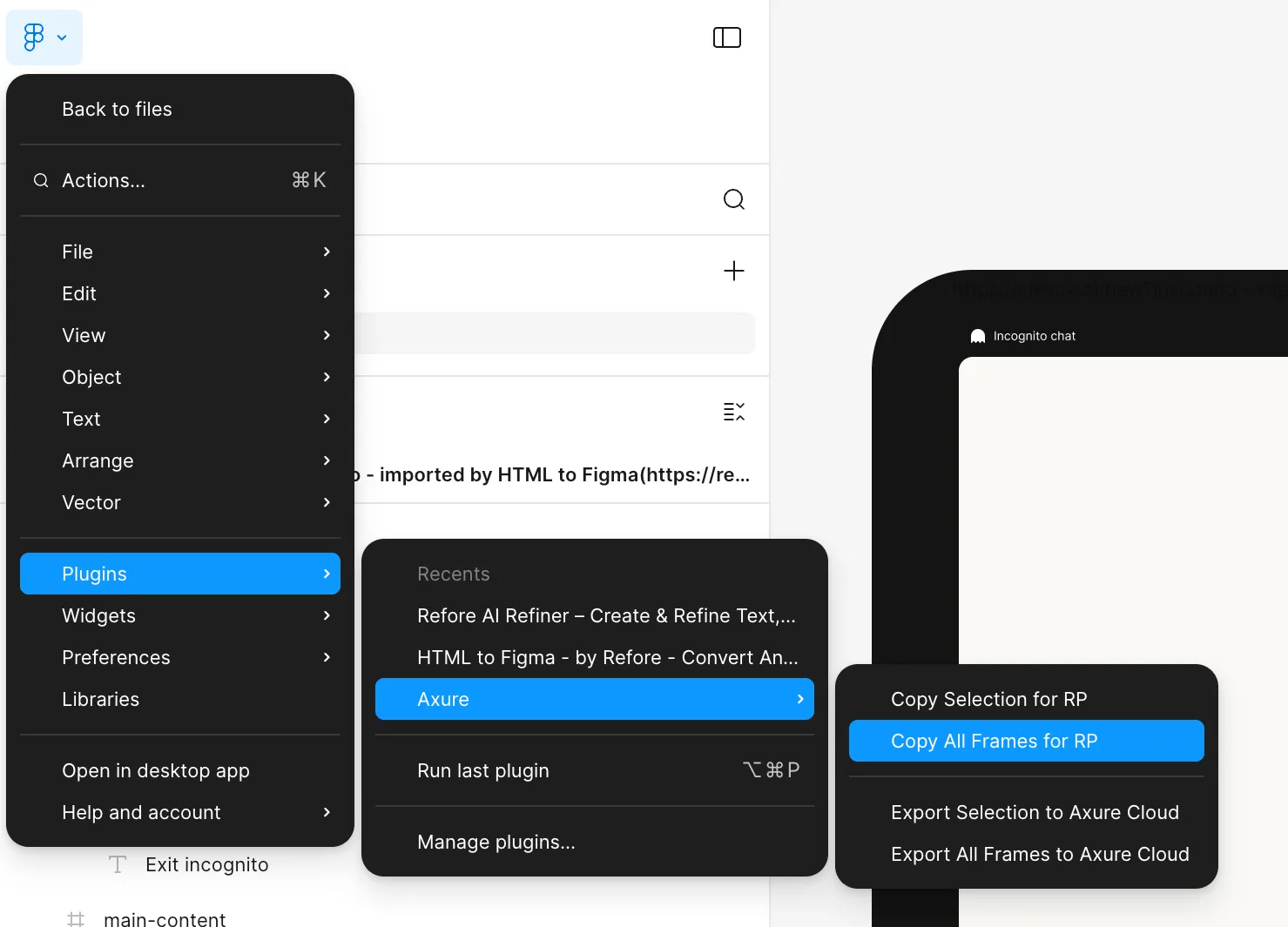
In your Figma design canvas, right-click and select: Plugins → Axure → “Copy All Frames for RP”
-
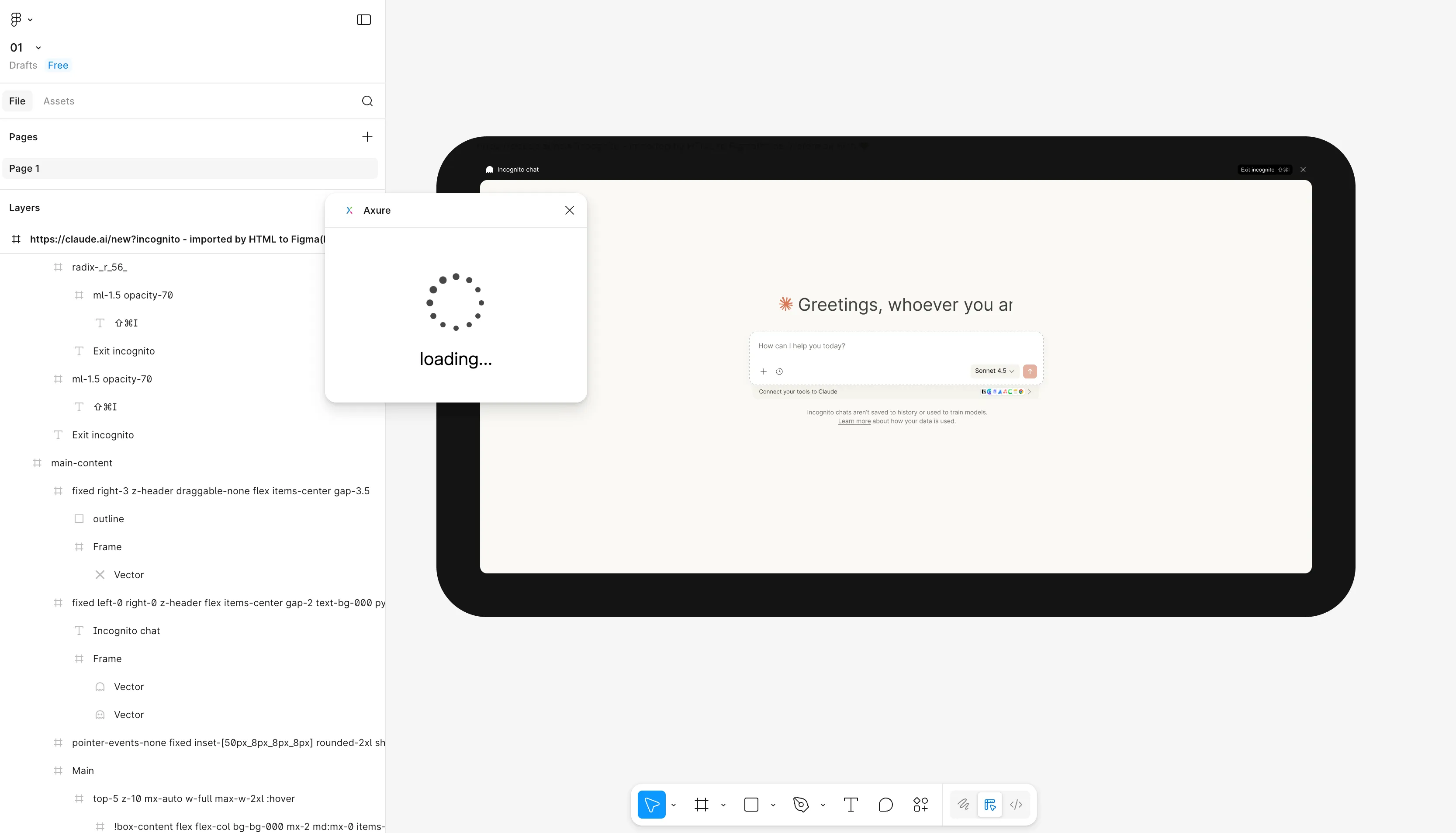
Wait for the plugin to finish processing.
-
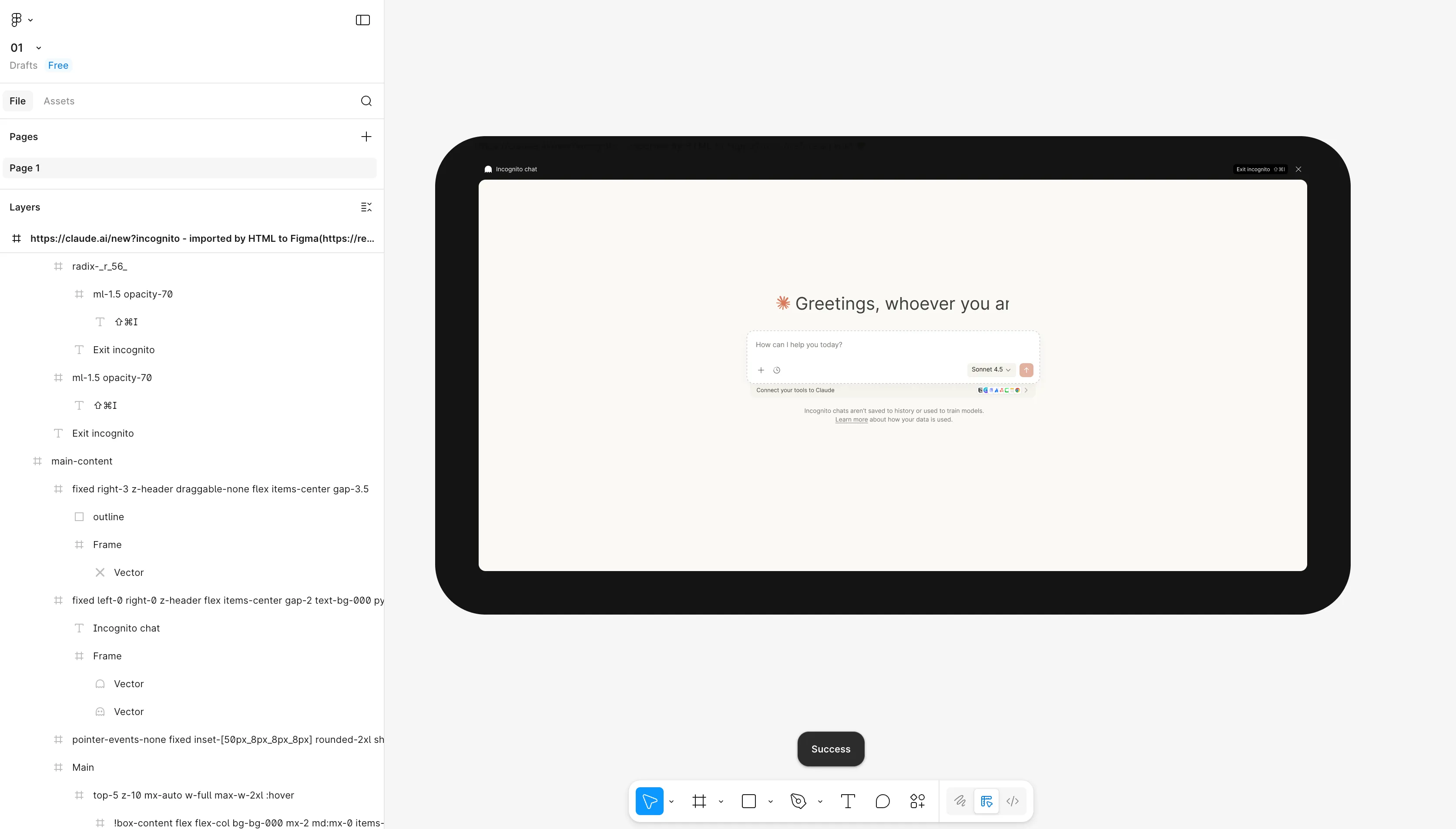
When “Success” appears at the bottom of the interface, it means the design content has been successfully copied to the clipboard
-
-
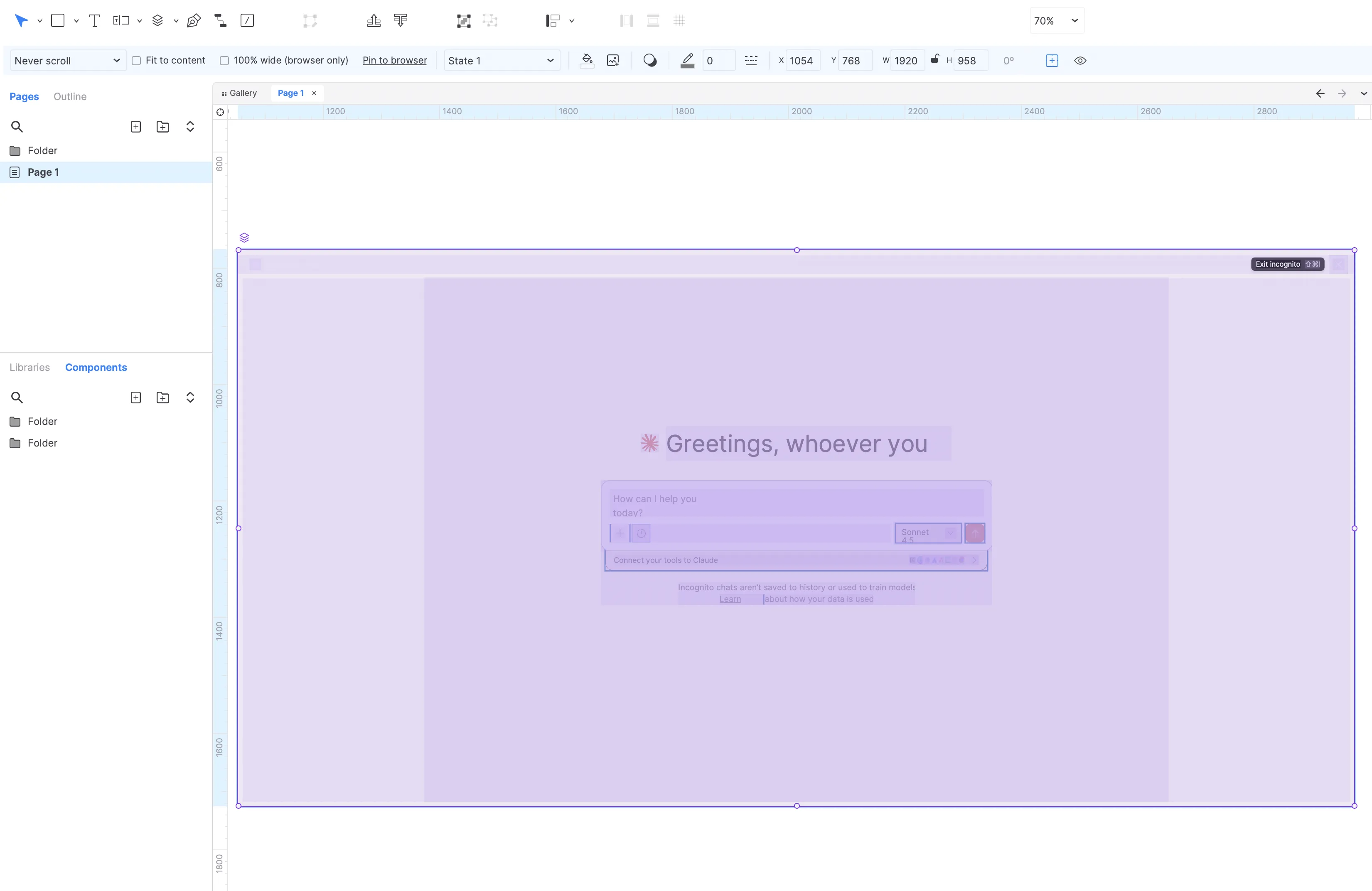
Paste into Axure
-
Please switch back to the Axure RP software you opened earlier
-
Press
Cmd+V(Mac) orCtrl+V(Windows) to paste the design into Axure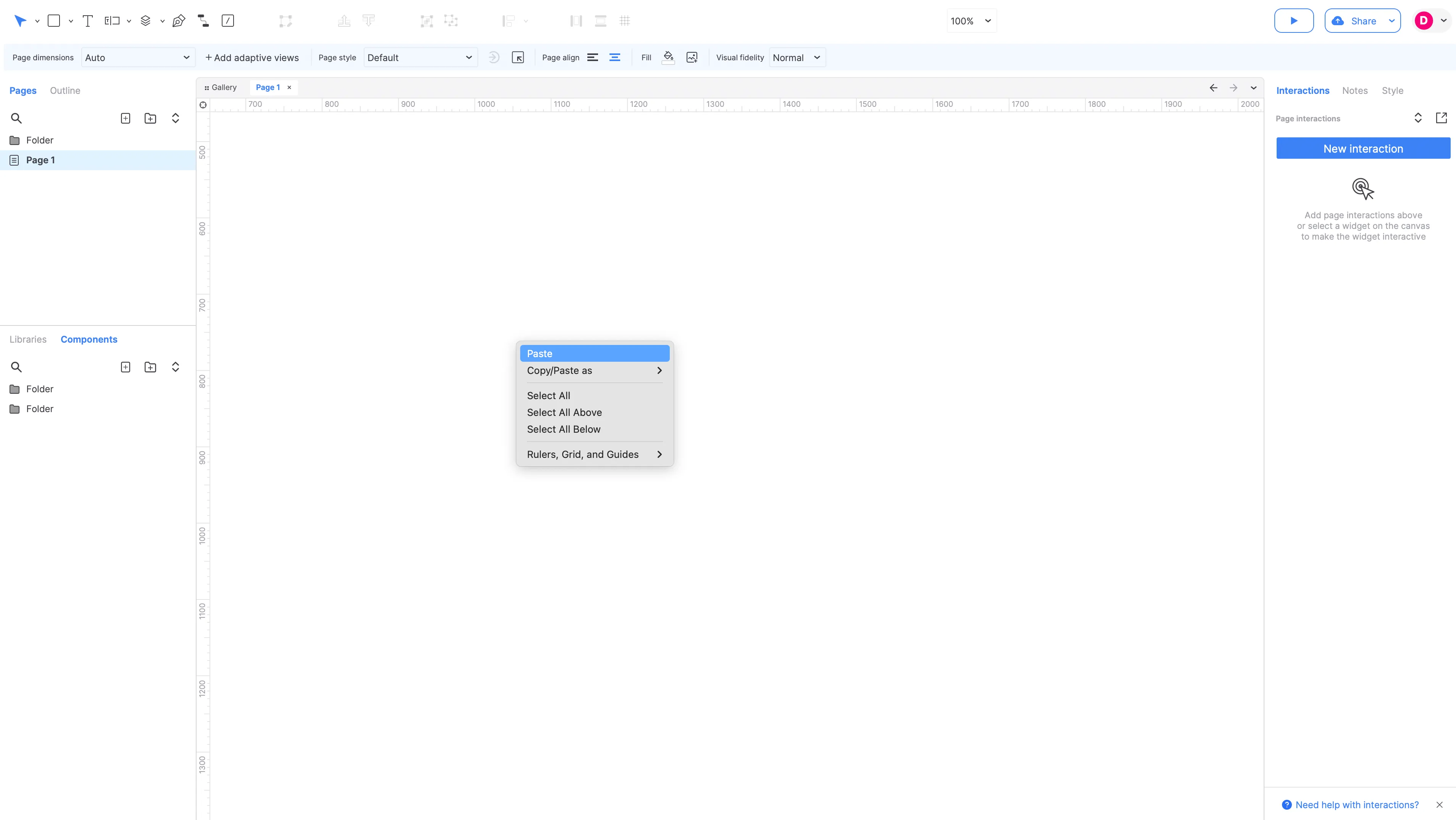
-